
# Configured State
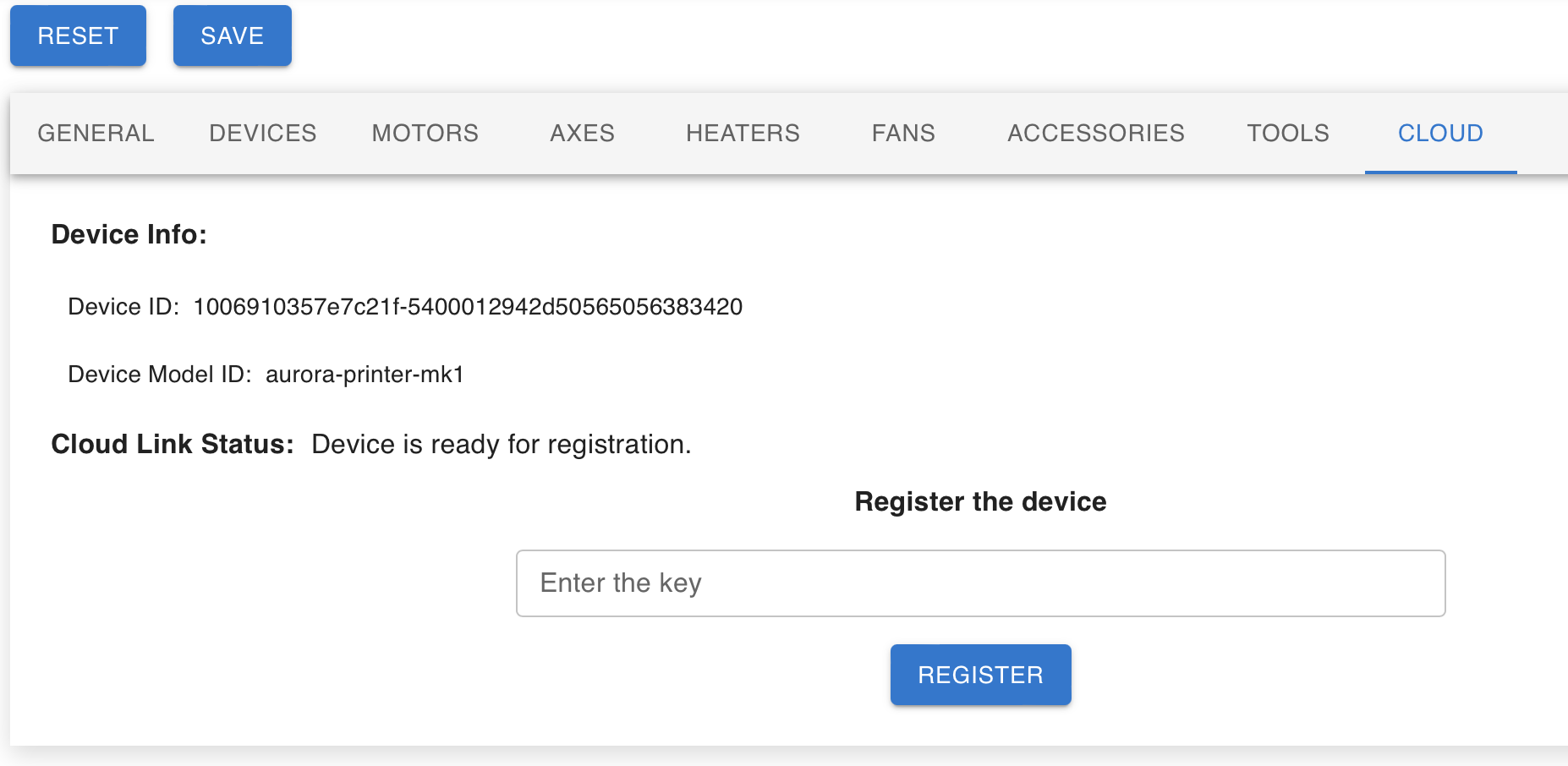
This is the state of the board when an end user receives the printer.
At this stage:
- The board is linked to a manufacturer’s own cloud
- The board is associated with a printer model
- The board is waiting to be registered to an end users’ organization
- The board can’t update its software
- Features like file storage and replay with the cloud aren’t available
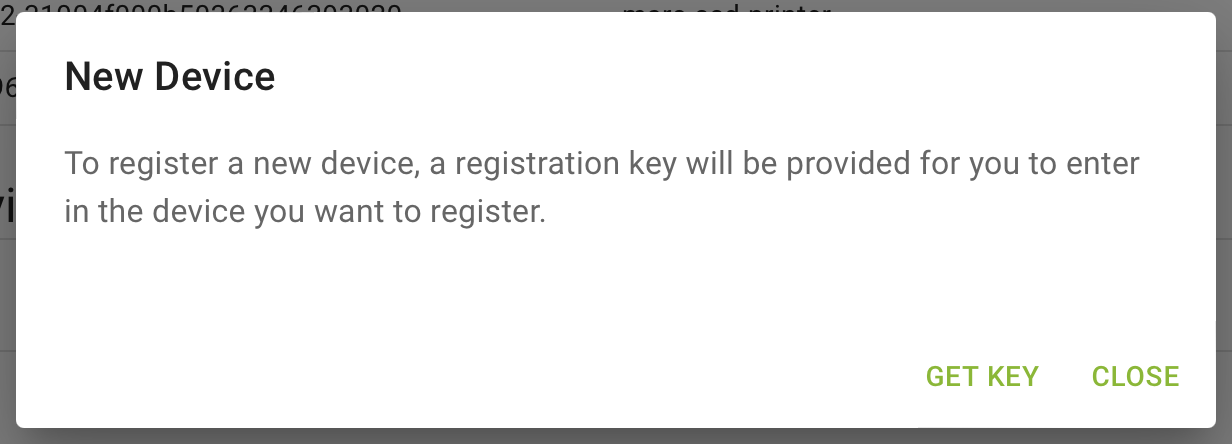
At this point, the end user will log in the DyzeDesign Cloud console and go to the “Devices” page. From there the user can get a registration key to input in the board.
In Cloud Console:
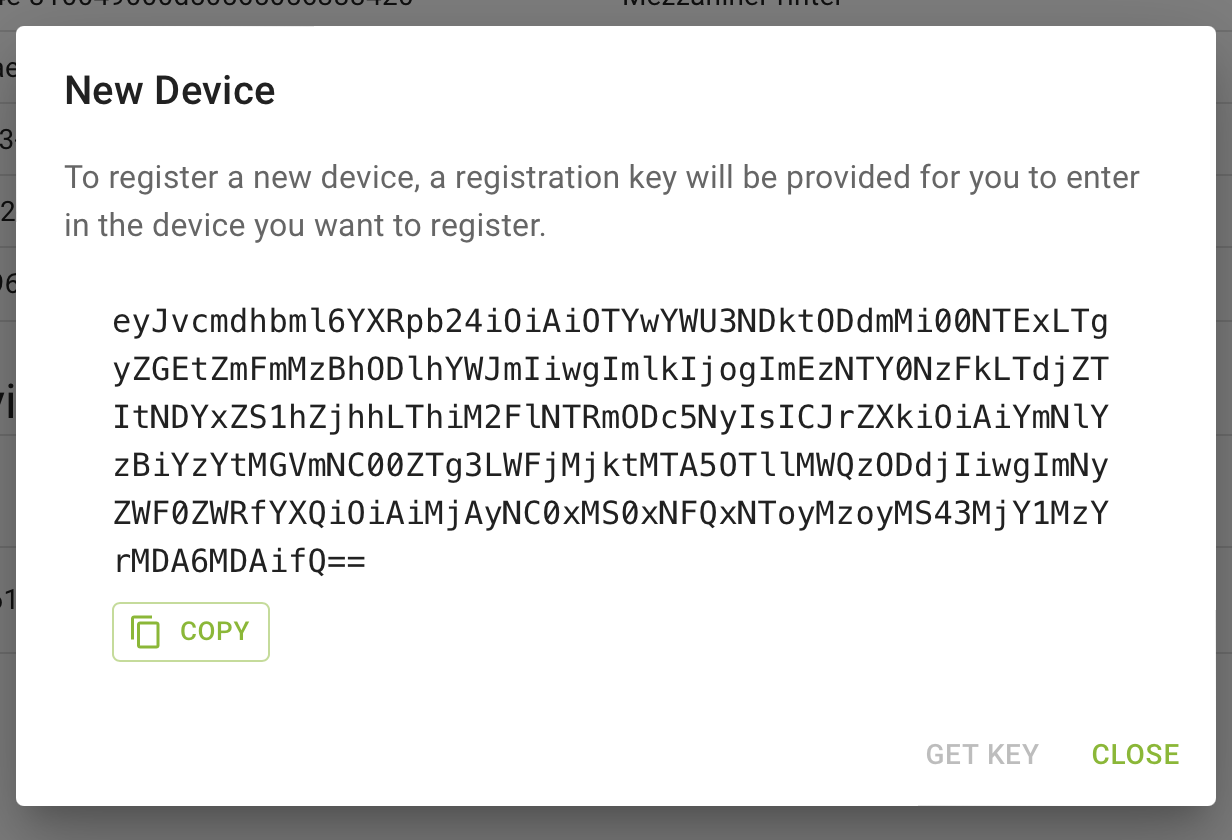
Once the user has copied the registration key and pasted it in the printer, the board will be registered to his organization.