
# Set up the network connexion
# Wireless
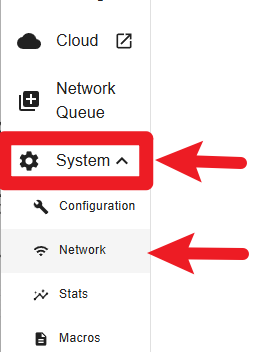
If a wireless connection is required, first open the “System” menu and click on “Network”.
In the Network box, select “WIFI”

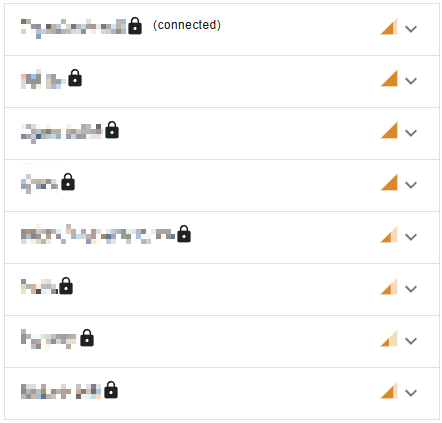
Select, configure and connect to your WiFi
Documentation pending: This feature or topic is not yet documented. Details and instructions will be added in a future release.
# Wired
If a wired connection is required, first open the “System” menu and click on “Network”.
In the Network box, select “LAN”

Open the “Configure” menu and choose either DHCP for automatic IP assignment or manual for you to enter your preferred IP address.
