
# Ethernet / WiFi connexion
Both wired (Ethernet) and wireless (WiFi) are supported with the Aurora. Internet access is required for over the air updates and cloud features. The Aurora can work without internet connection, but the updates must be done manually and some features will be disabled.
# Wired
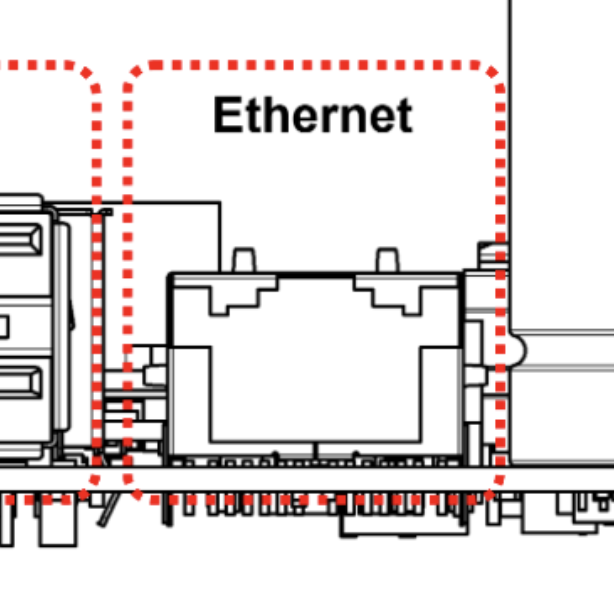
For a wired connection, simply connect an Ethernet cable through the Ethernet port.
| ⚠️ | Do not mistaken the Ethernet port with the DyzeProtocol port. See Overview for more details. |
|---|
# Wireless
The Aurora supports 2.4 GHz and 5.0 GHz IEEE 802.11 b/g/n/ac wireless. The onboard antenna can be extended using a U.FL. The most common solutions involve a U.FL to SMA cable combined with a SMA antenna. The SMA connector can be panel mount, allowing the antenna to be outside of the machine enclosure.
The SC0480 antenna from Raspberry Pi can be used for this application.
← USB How to use it →